Bad Guy Mystery Controls
Keyboard and touch layouts for a 15-player lobby that does not pause while you hunt a bind.
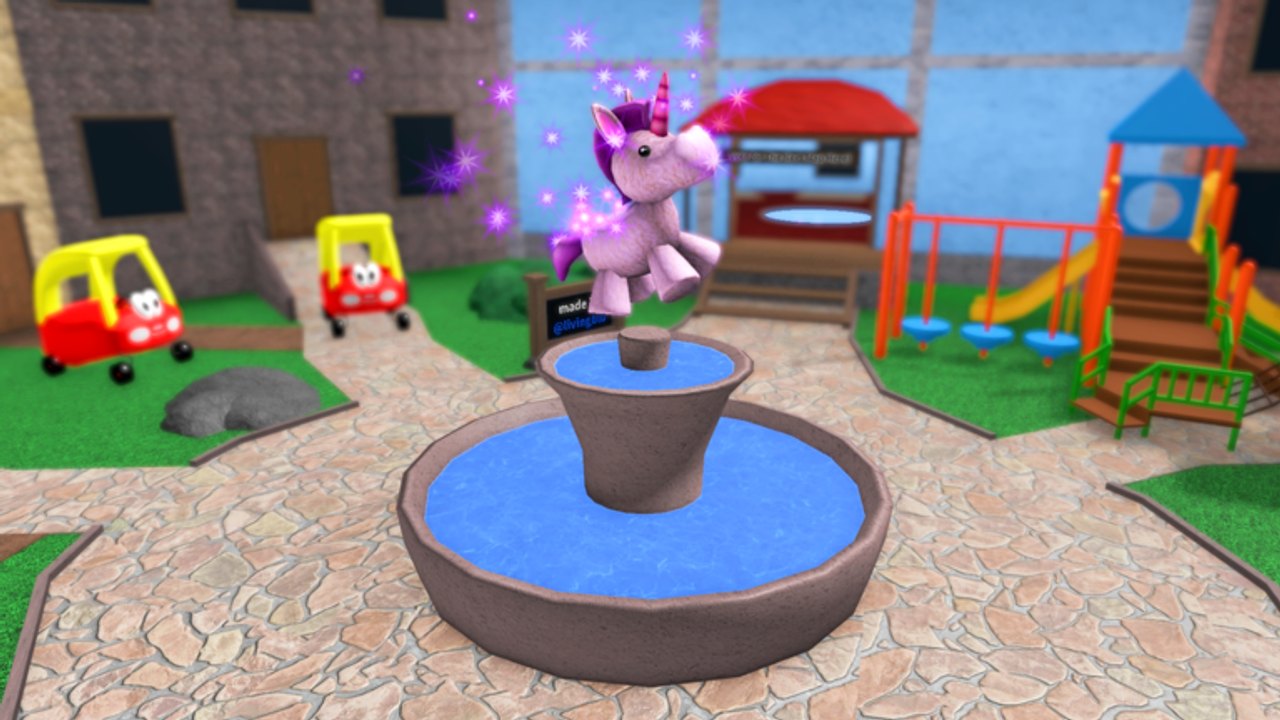
Bad Guy Mystery uses standard Roblox movement plus role tools that appear only after the card is dealt. There is no public developer Trello with a fancy key list, so this page documents the controls players actually need: move, camera, jump, throw or shoot, open the lobby shop, and fire a perk. If a patch remaps a button, the changelog will note it.
Keyboard and mouse
- WASD — move. Strafe more than you sprint in a straight line; straight lines feed throws.
- Space — jump. Use it to break sight, not to pose on the seesaw during a hunt.
- Mouse — camera and aim. Protectors live or die on a steady flick, not a 360 spin.
- Left click — throw as Bad Guy or fire as Protector. Good Guys have nothing here until a gun is picked up.
- Shift (if enabled in Roblox) — sprint. Sprint is loud information. Use it to leave spawn, not to tour the map.
- Numbers or on-screen perk buttons — Peekaboo, Sugar Rush, Snitch. Bind them in your head before the countdown ends.
Open the shop only in the lobby. The how to redeem page uses that same shop window for codes. Mid-round shopping is how Protectors get slapped while scrolling crates.
Mobile and tablet
The place advertises desktop, phone, and tablet support. On a touch device:
- Left thumb moves. Right thumb cameras.
- The jump button sits in the usual Roblox corner. Do not cover it with a custom GUI from a loader.
- The fire button is your Protector and Bad Guy life. Put your thumb where you can press it without dragging the camera into the floor.
- Perk buttons are small. Practice Peekaboo in an empty moment so you do not open the emote wheel instead.
If your phone overlays a chat bar on the fire button, hide chat until the round ends. Kid-friendly lobbies still get noisy.
Role-specific hands
Good Guy: your “weapon” is the camera and the jump. You are looking for the throw animation and listening for the slap. The survival guide is the playbook; this page is the hardware.
Protector: keep the gun holstered while you walk if the UI allows it, then raise only to shoot. Accidental fire on mobile is the number-one friendly-fire story. Read how to play Protector after you can tap fire without looking down.
Bad Guy: treat left click like a charged toss, not a knife mash. Step back, click, recover. The Bad Guy guide explains why chest-hugging clicks fail.
Perks and why binds matter
A perk you cannot click in one motion is a cosmetic. Peekaboo lasts five seconds. If you spend two of them opening the wrong menu, you bought a crate with extra steps. The perk planner tells you which perk to buy; you still have to place the button where your thumb already rests.
Accessibility and younger players
The loop is short and colorful. If a child cannot track the fire button, sit with them for one Protector round and keep the device in landscape. If the slap sound is too sharp, lower Roblox volume rather than quitting the place. The review discusses tone for parents.
Shift lock is a Roblox setting, not a special Bad Guy Mystery mode. Turn it on if you came from MM2 and your aim feels unlocked. Turn it off if it makes camera-turning on a phone worse.
What is not a control
There is no whisper command unique to this game, no official emote that marks the Bad Guy, and no Trello key for “ magnifying glass.” Anyone selling a secret bind is mixing this place with another mystery title. Stick to movement, camera, fire, jump, shop, perk.
Learn these six actions, then stop thinking about inputs. The next page you need is the role tutorial that matches the card, not another overlay.
Frequently Asked Questions
Quick answers to the most common questions.
What is the shoot or throw button?
Left click on keyboard, or the on-screen fire button on mobile. Good Guys have no throw until they pick up a dropped gun.
How do I open the shop or codes box?
Use the lobby shop or gift icon. Do not open it after roles lock if you can wait one rematch.
Does Bad Guy Mystery use shift lock?
It uses normal Roblox shift lock if you enable it. The game does not ship a unique lock key.
Where do I activate Peekaboo?
The on-screen perk control or the key the shop assigns. Practice it in the lobby so you do not miss the five-second window.